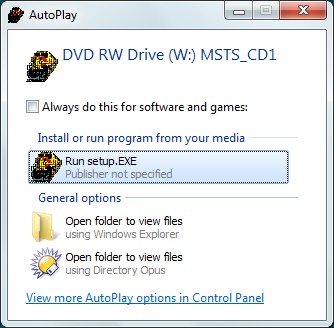
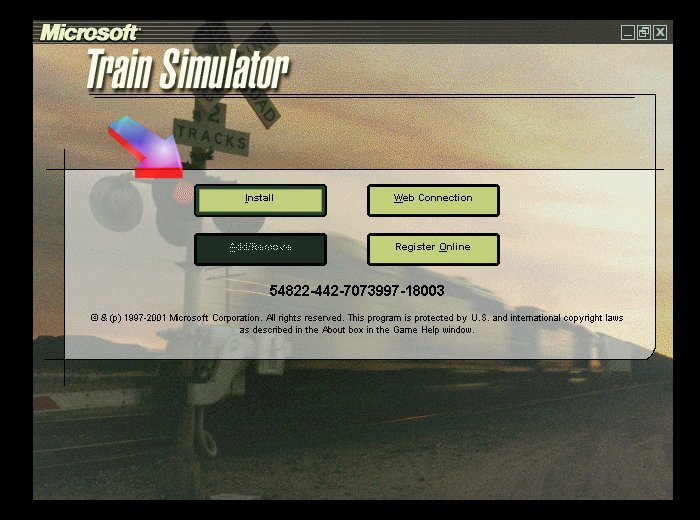
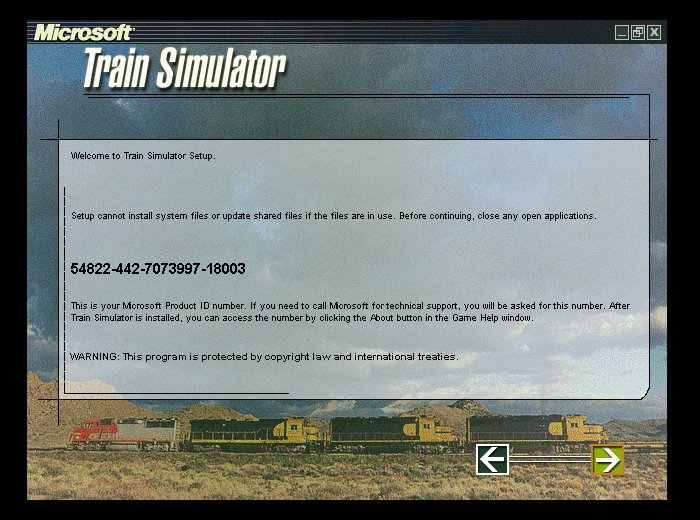
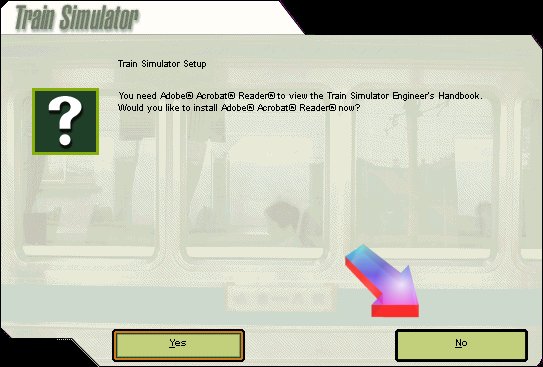
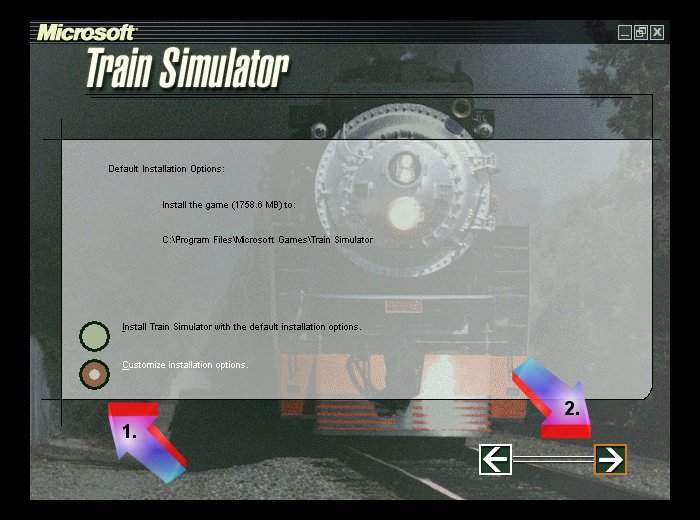
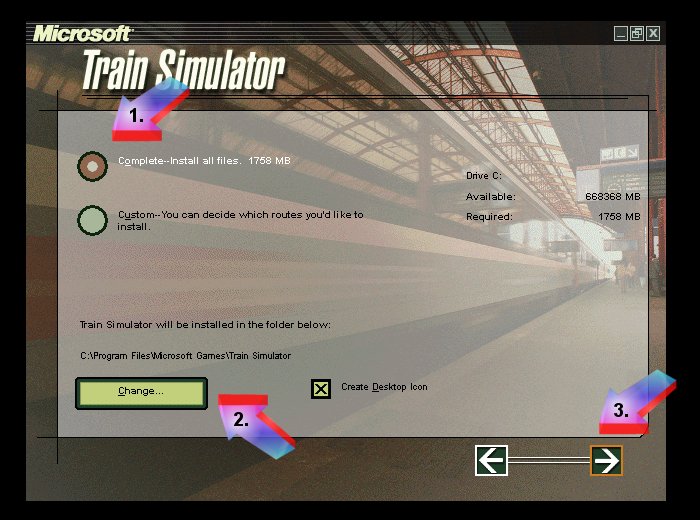
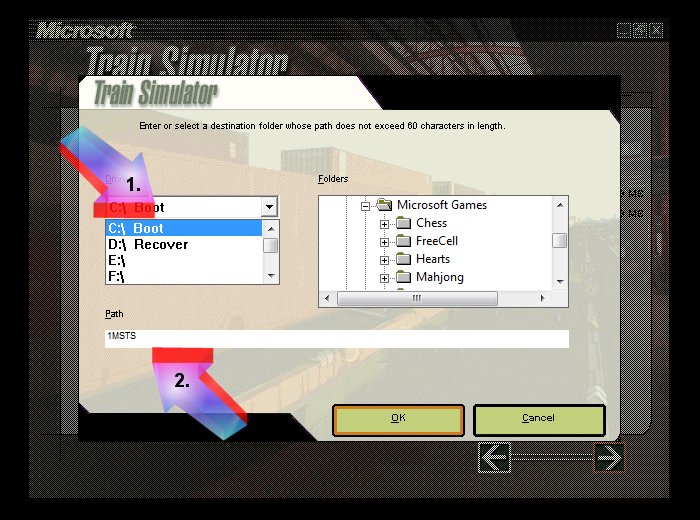
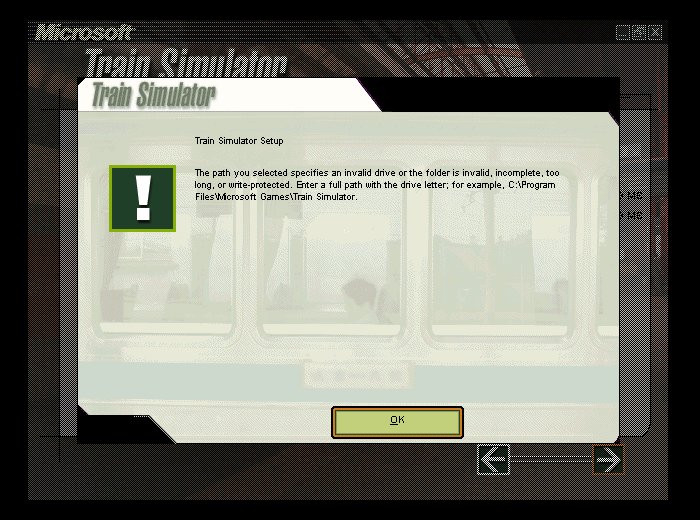
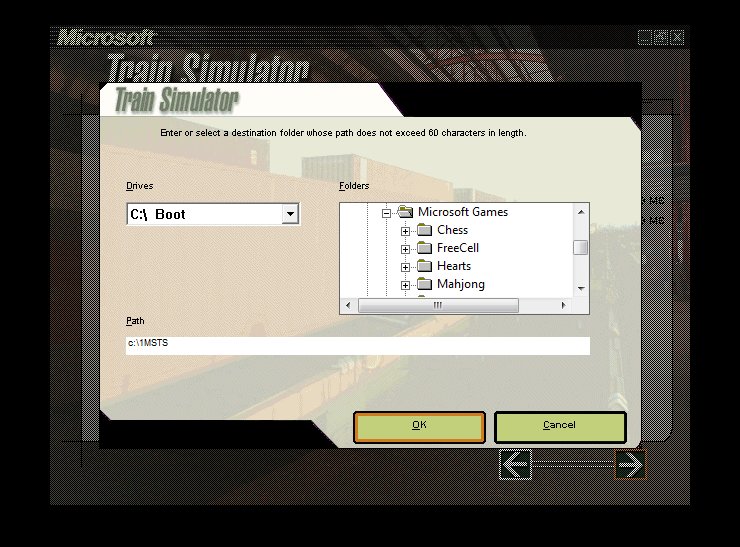
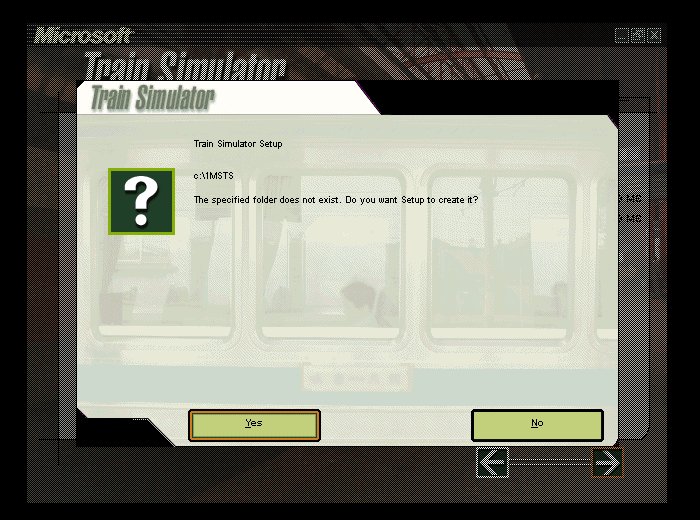
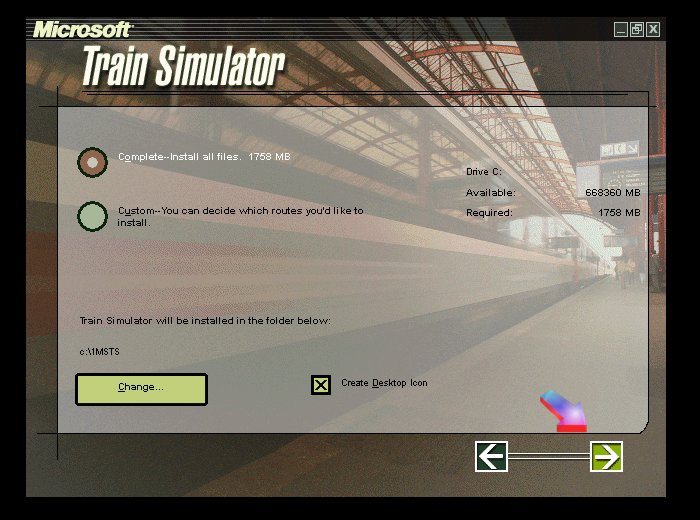
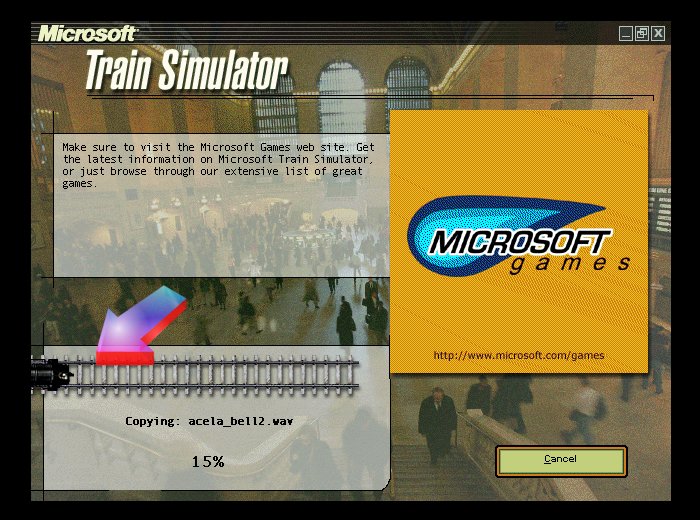
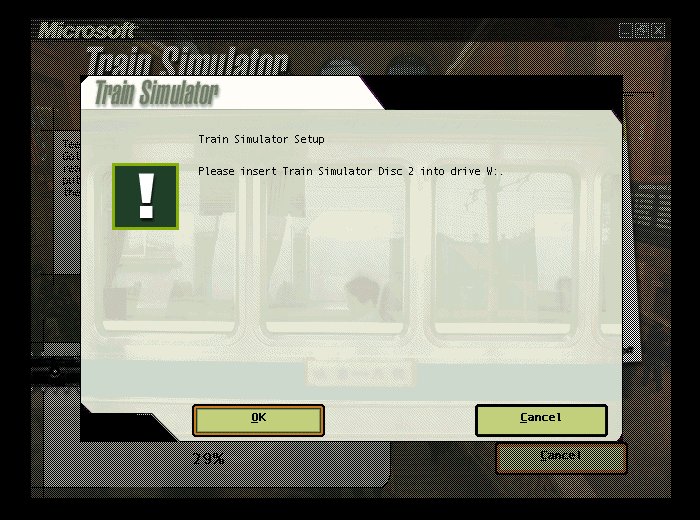
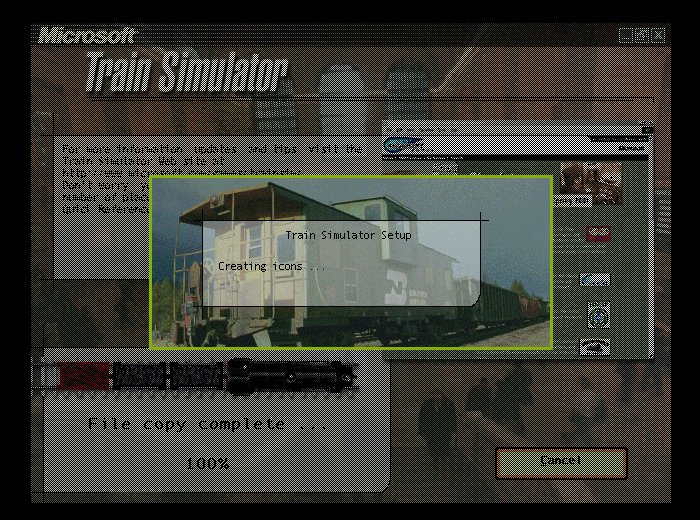
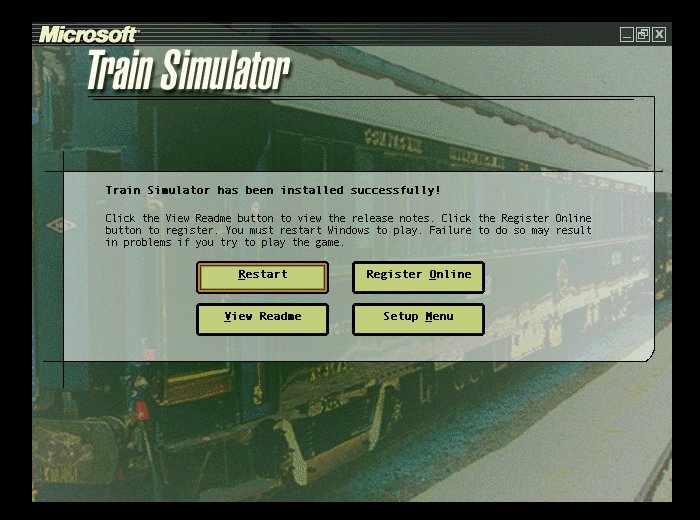
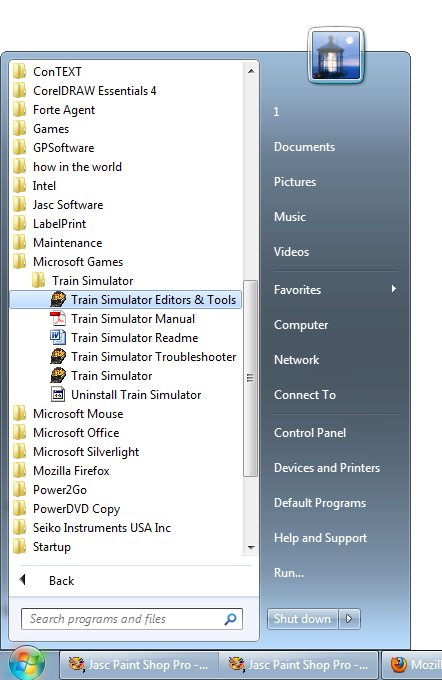
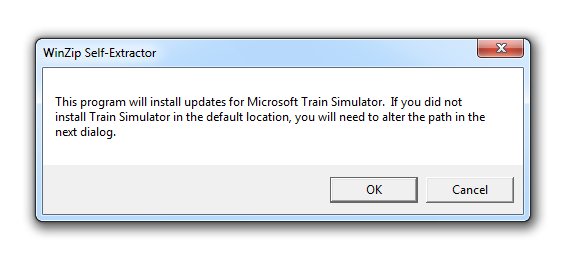
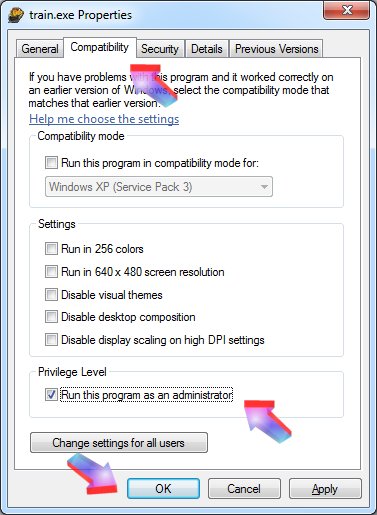
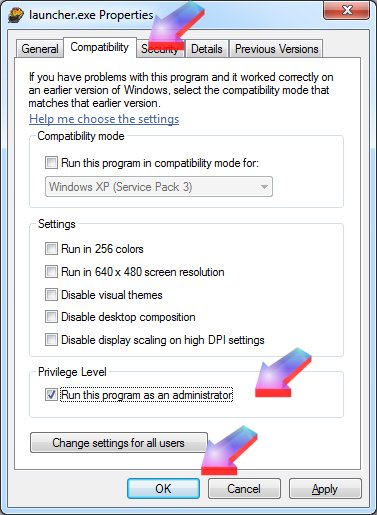
In my opinion, there are two ways to install MSTS - the hard way and the easy way.
The hard way involves disconnecting from the internet, disabling UAC, installing, setting permissions, unblocking things, re-establishing UAC, re-connecting to the 'Net - it's all too fiddly and prone to errors and frustration.
I'm going to show you the easy (easier) way - no fiddling with the UAC, no disconnecting from the 'Net, (usually) no hassles with batch files, etc.
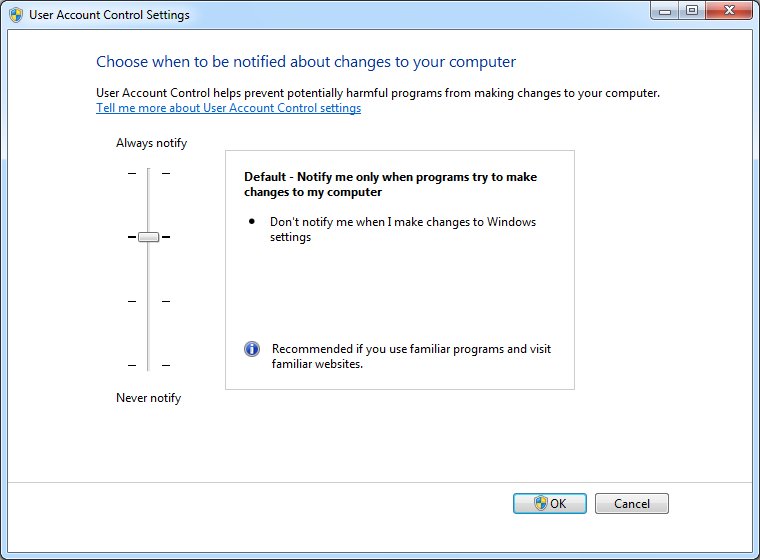
This is the default UAC (User Account Control) setting in Windows 7: you don't need to touch it.
It does have a nuisance component, though, as it asks to for permission to proceed on every single step, thus
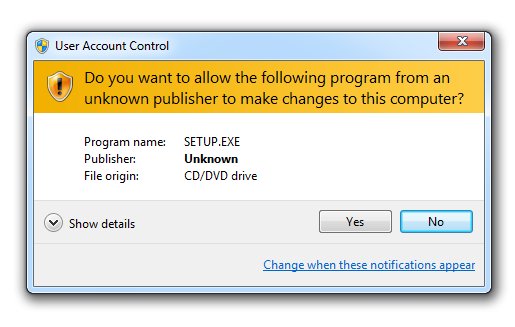
We can get rid of these pesky messages without compromising the security of your system.
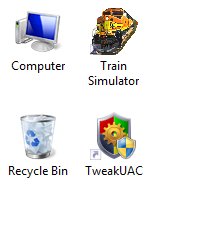
Browse to https://www.winability.com/tweak-uac/ and download and install Tweak-UAC. Run Tweak-UAC and select "Switch UAC to the quiet mode", thus
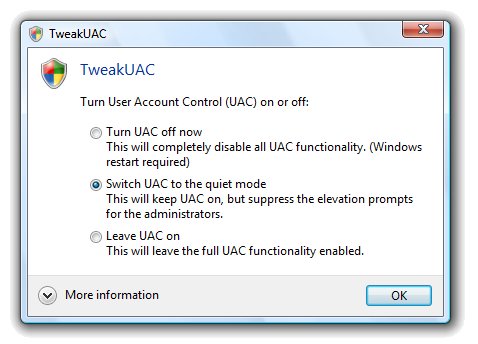
This option does not turn off UAC; instead, it only makes UAC to operate in the quiet mode. In the quiet mode, UAC does not display the elevation prompts for the administrators. (This TweakUAC tip was provided on the UKTS forums by Doug Kightley.) To the naysayers: can you honestly say that you carefully read each UAC prompt..... or do you, like a majority of users, simply click "allow" automatically? Do note that UAC only "protects" system files - it does nothing to stop malware and viruses getting into the rest of your system and emailing everyone in your address book on the benefits of body part enlargement.
Right, now we're good to go.